Inspect the assembly#
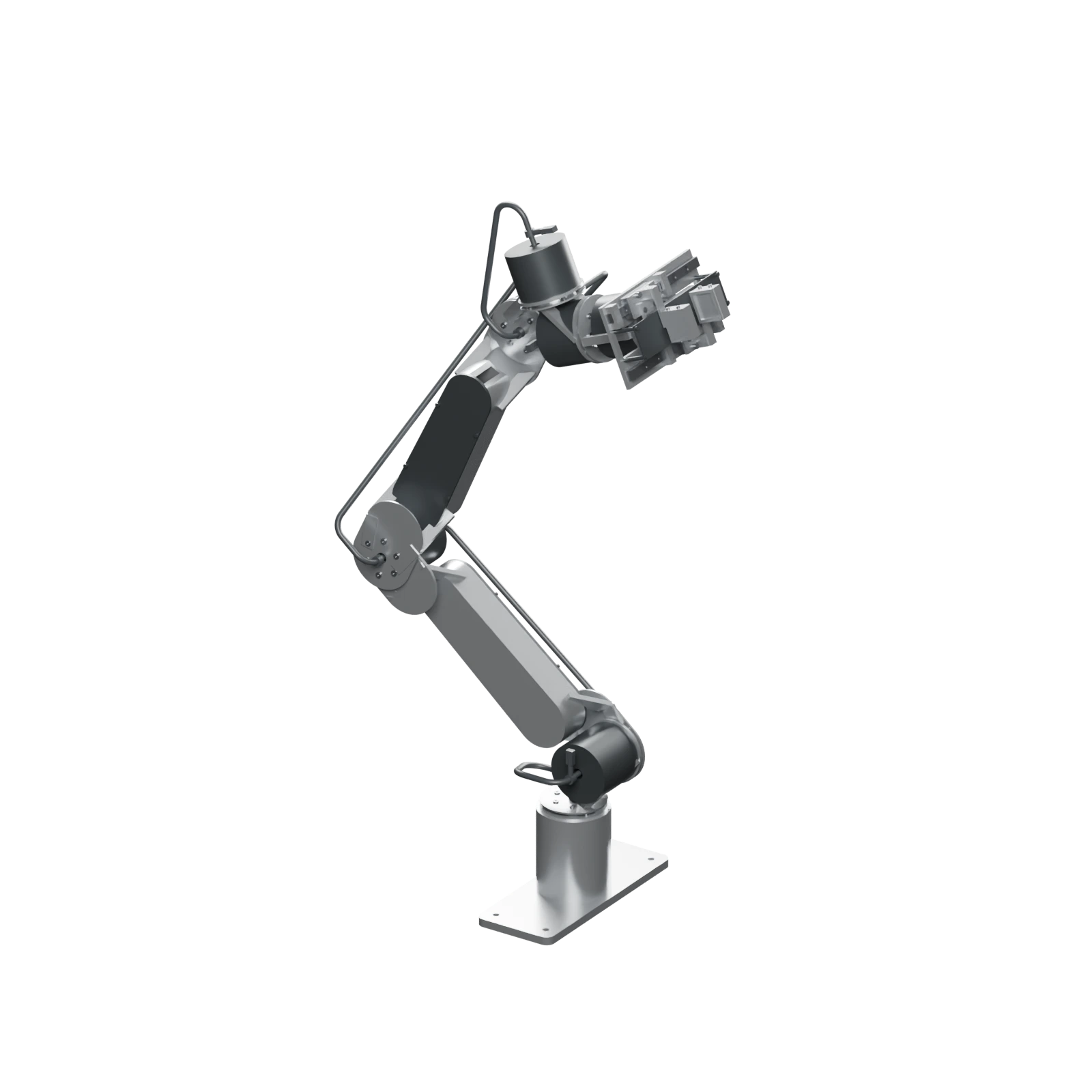
Select Explore in 3D to load the model. Drag to orbit; scroll to zoom. Arrow keys and + / − work while the canvas is focused. Turn on Exploded view to separate parts; turn it off to restore the assembled model.
Model status#
This model depicts the r3 reference-pose assembly. Exploded motion is illustrative. It does not establish full-travel clearance, cable fatigue, payload, or physical qualification.
Use engineering downloads for integration CAD and coordinate frames when comparing poses.