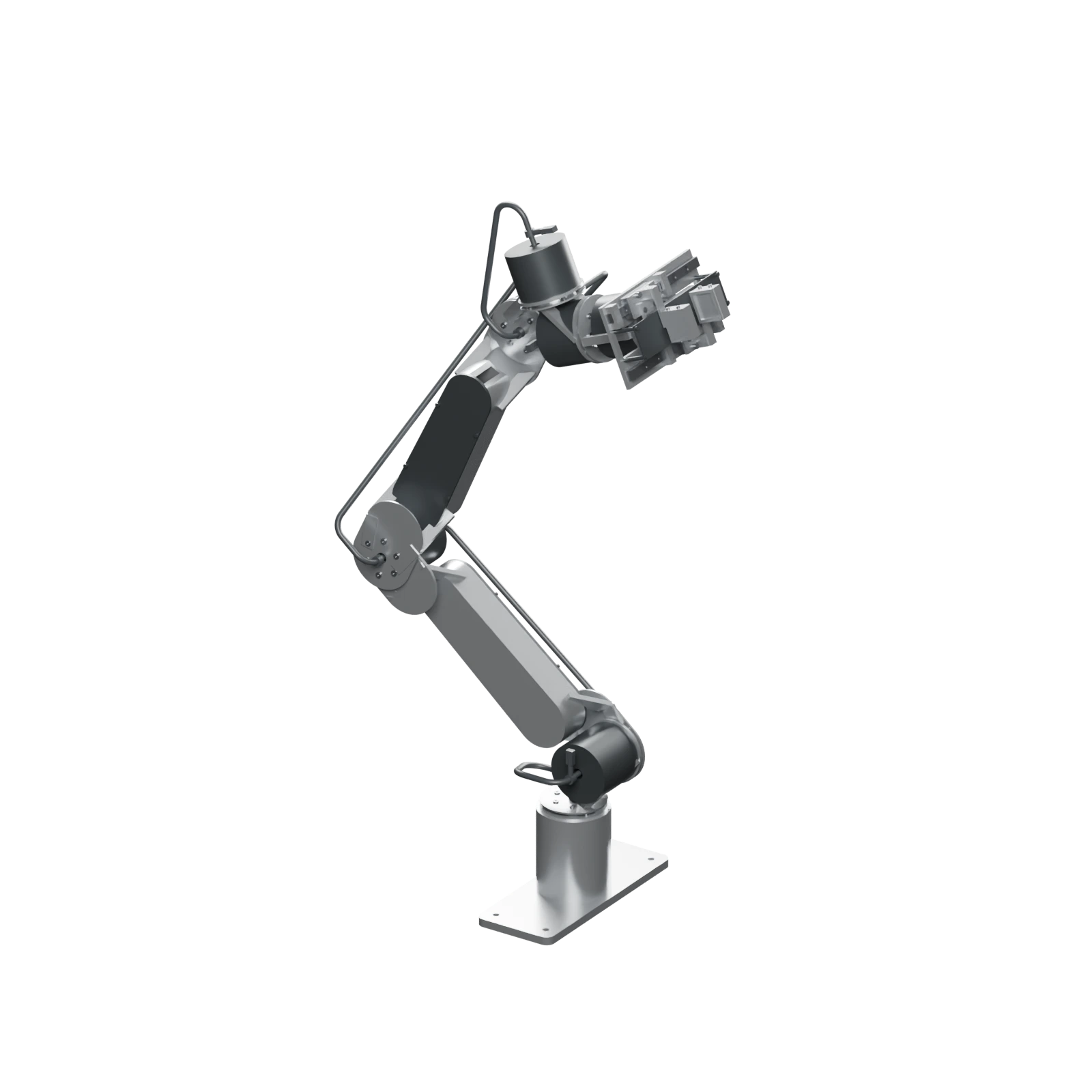
Inspect the assembly#
Select 3D to load the model. Drag to orbit; scroll to zoom. Arrow keys and + / − work while the canvas is focused. Exploded view separates the parts and restores them when switched off.
Pick up opens the gripper, turns and reaches, closes, lifts, and returns without an object. Wave raises the arm and sweeps the base and wrist while opening and closing the gripper. Both move all six arm joints and the gripper, run once, and restore the reference pose. The model reassembles before playback.
The active preset button is unavailable during playback. Use Pause to hold the current pose and Resume to continue. Another preset switches the action; Reset restores the assembled reference pose. Requesting exploded view during a gesture returns the arm to its reference pose before separating parts.
Model status#
This model depicts the r3 development assembly. Finishes, gestures, and cable deformation are illustrations. Playback does not establish operating speed, full-travel clearance, cable fatigue, payload, or physical qualification.
Use engineering downloads for integration CAD and coordinate frames when comparing poses.